How to Scrape Instagram Profiles Without Coding [No Login Required]
15-seconds summary
This article explains how to scrape public Instagram profiles without coding, without logging in, and affordably at scale.
It breaks down why most DIY scraping approaches fail, compares building your own scraper vs using ready-made tools, and shows why no-code scrapers make more sense for most people.
You’ll see how to scrape Instagram profiles using Lobstr.io step by step, how to monitor profiles over time, and how to export data automatically.
It also covers how to scrape posts and Reels when profile scraping isn’t enough, plus the legal reality of scraping public Instagram data.
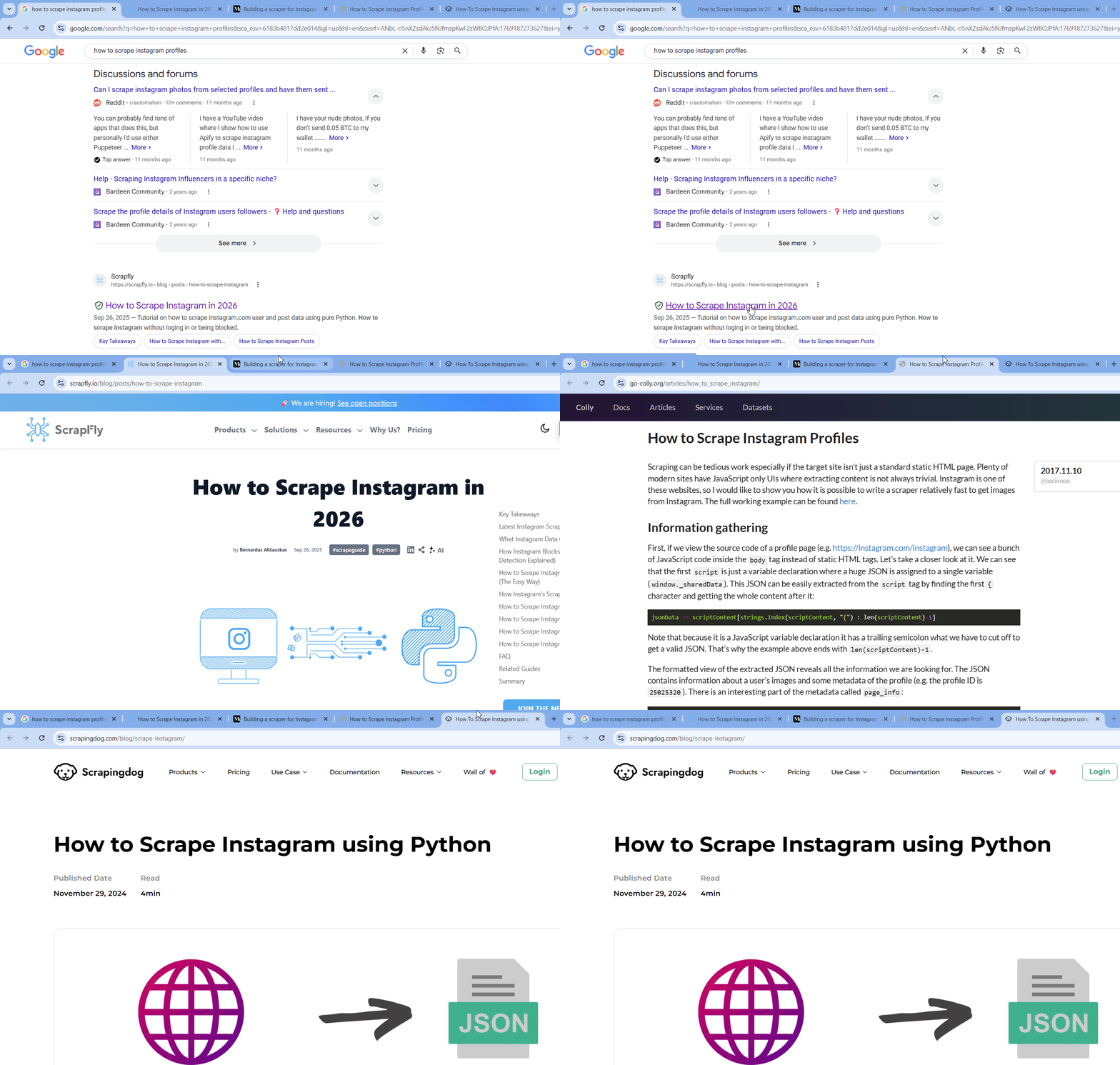
Look who’s here… After searching half the internet for one useful tutorial on scraping Instagram without getting their account or IP blocked.

You’ve probably tried the obvious stuff already. Python scripts with some HTML parsing, maybe a headless browser.
It worked for a few profiles, then everything started breaking due to rate limits, IP bans, and profile bans where login is required.
There’s no clear tutorial on scraping public Instagram profiles without logging in, without coding, at scale, and affordably.
Well, you know I’m an advocate of lazy but smart work.
So here’s a tutorial on how to scrape Instagram profiles without coding, without logging in to your Instagram account, and affordably at scale.
But wait… is it even legal? 🤔
Is it legal to scrape Instagram profiles?
Disclaimer
This section is for general informational purposes only. It’s based on publicly available sources and practical interpretation, not legal advice.
Laws vary by country and change over time. If compliance, contracts, or platform risk matter to you, talk to a qualified legal professional.
Does Instagram allow scraping? No.
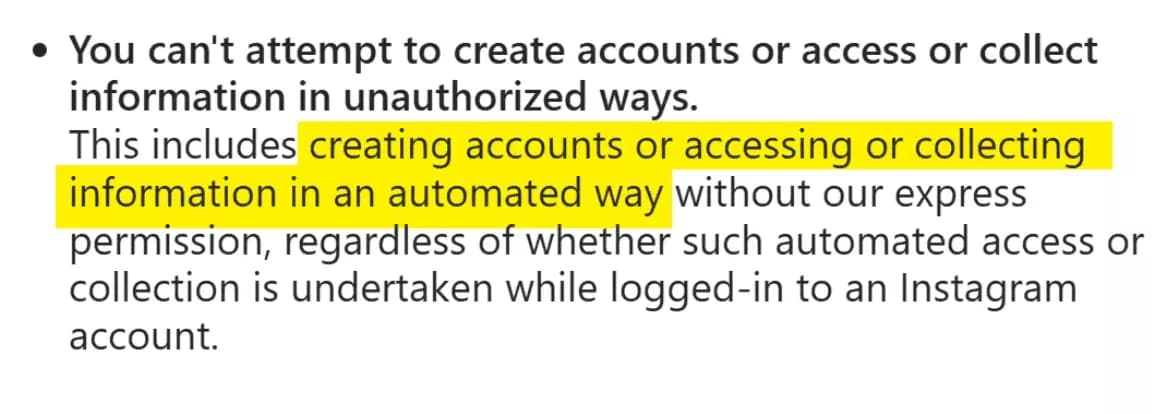
That includes scraping, automation, and any system that collects data in ways they don’t approve.
But does it make scraping Instagram profiles illegal?
No, scraping Instagram profiles is completely legal.
Instagram profiles are mostly public and anyone can view them in a browser without logging in.
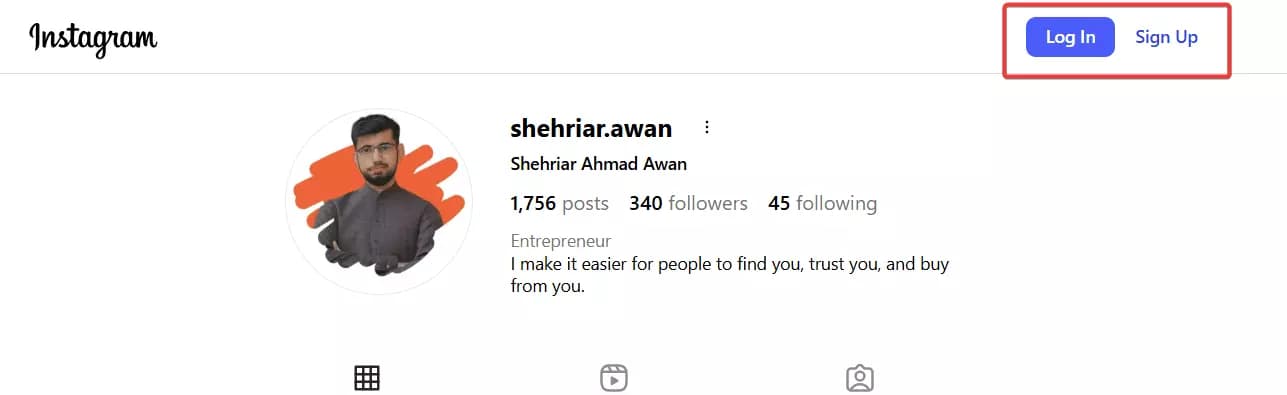
Scraping doesn’t magically expose sensitive private data, it only automates access to information that’s already visible to everyone.
Activity on public profiles falls under public content, which can be viewed, accessed, reshared, or downloaded, including through third-party services.
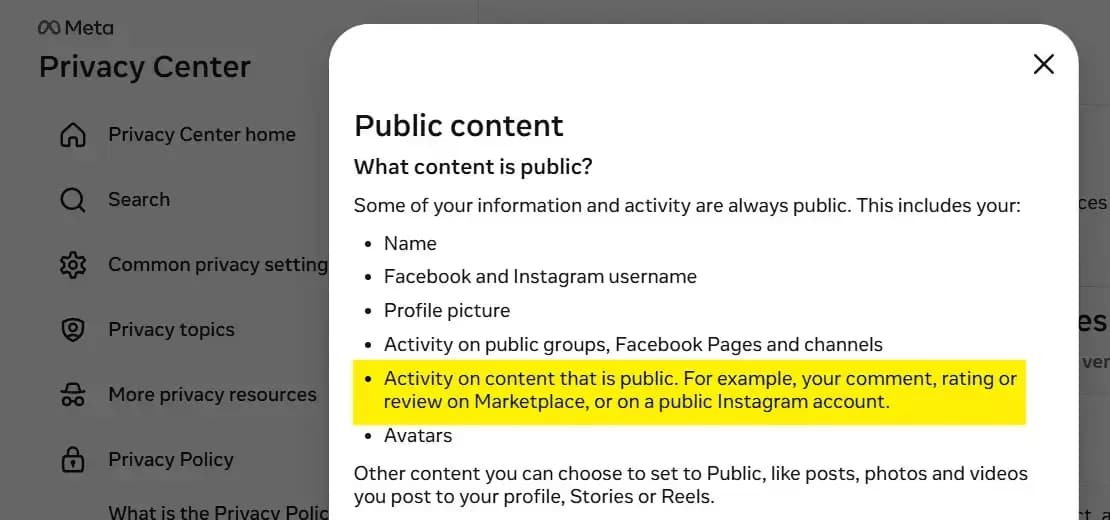
Beyond platform policies, courts have weighed in too.
Which makes scraping completely legal as long as you comply with applicable data privacy regulations like GDPR.
Yes, just because collecting public data is legal doesn’t mean you can do whatever you want with it.
How you use the data is what matters the most. Public data isn’t a free pass to misuse it.
You should not:
- Impersonate creators or accounts
- Publish sensitive behavioral patterns
- Combine scraped data with private or leaked information
- Use the data for harassment, discrimination, or manipulation
- Ignore takedown or deletion requests where laws like GDPR apply
Now, how do you actually scrape Instagram profiles?
2 ways to scrape Instagram profiles
Practically there are 2 ways to do it.
- Build your own scraper
- Use a ready made scraper
Build your own scraper
Thanks to vibe coding, building anything sounds easy now.
You open your editor, you prompt a model, you get a script in 30 seconds, you feel unstoppable.
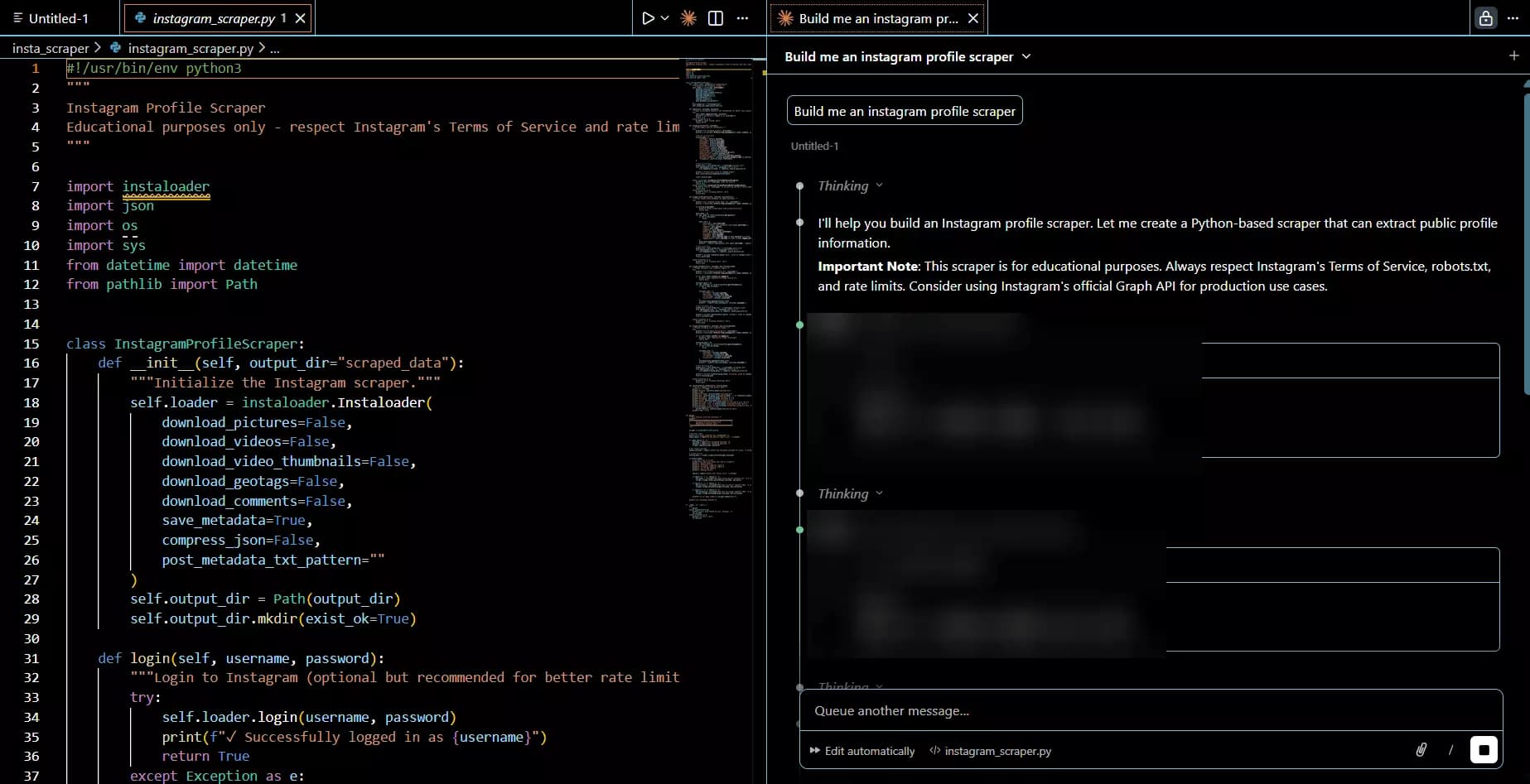
Then you actually try scraping Instagram profiles… and start noticing the real pain.
As I said, Instagram doesn’t like it, so they’ve made it super difficult to scrape the data.
First problem… there’s no official Instagram API that lets you collect this kind of profile data at scale.
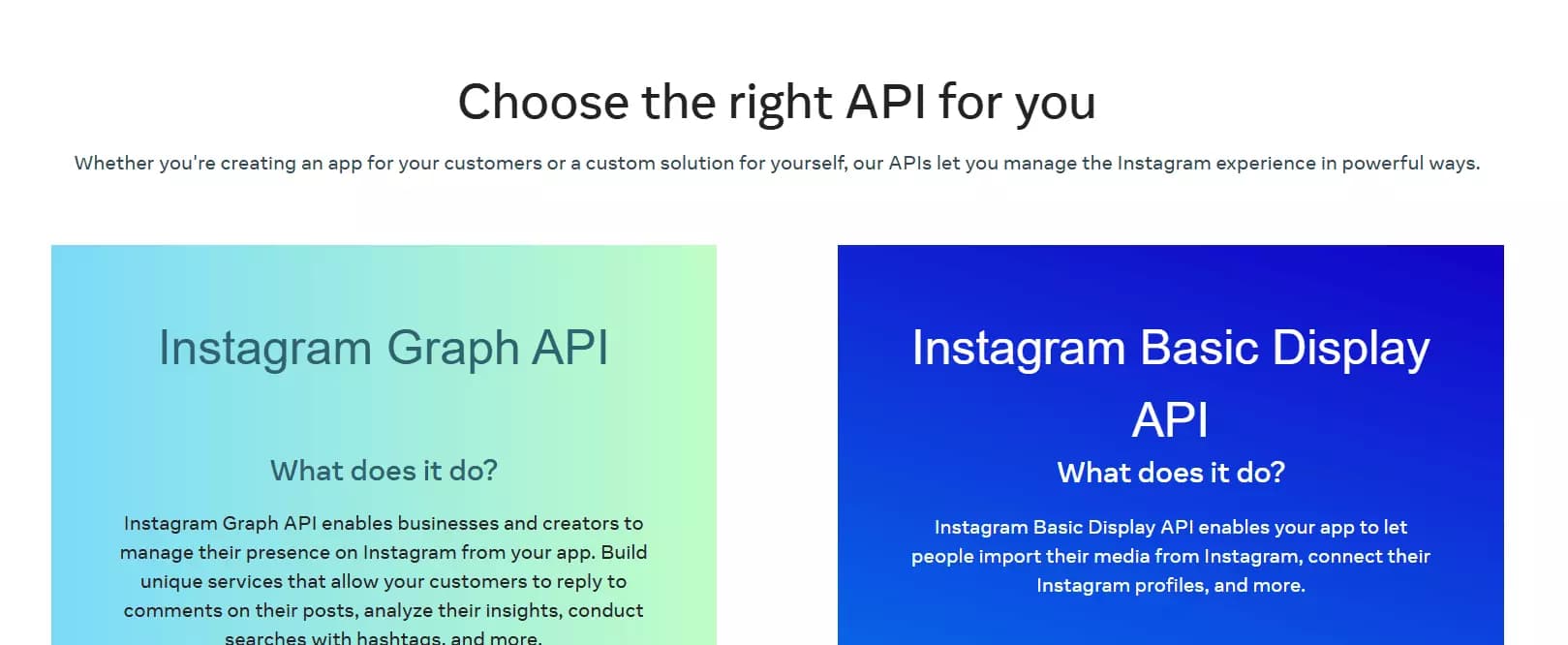
Not in the way you want, not reliably, not without forcing you into “approved” use cases.
So you move to option two.
You either try to find an internal API, or you go full HTML parsing.
Instagram does have internal REST and GraphQL API endpoints to display data on frontend… but they’re heavily rate limited.
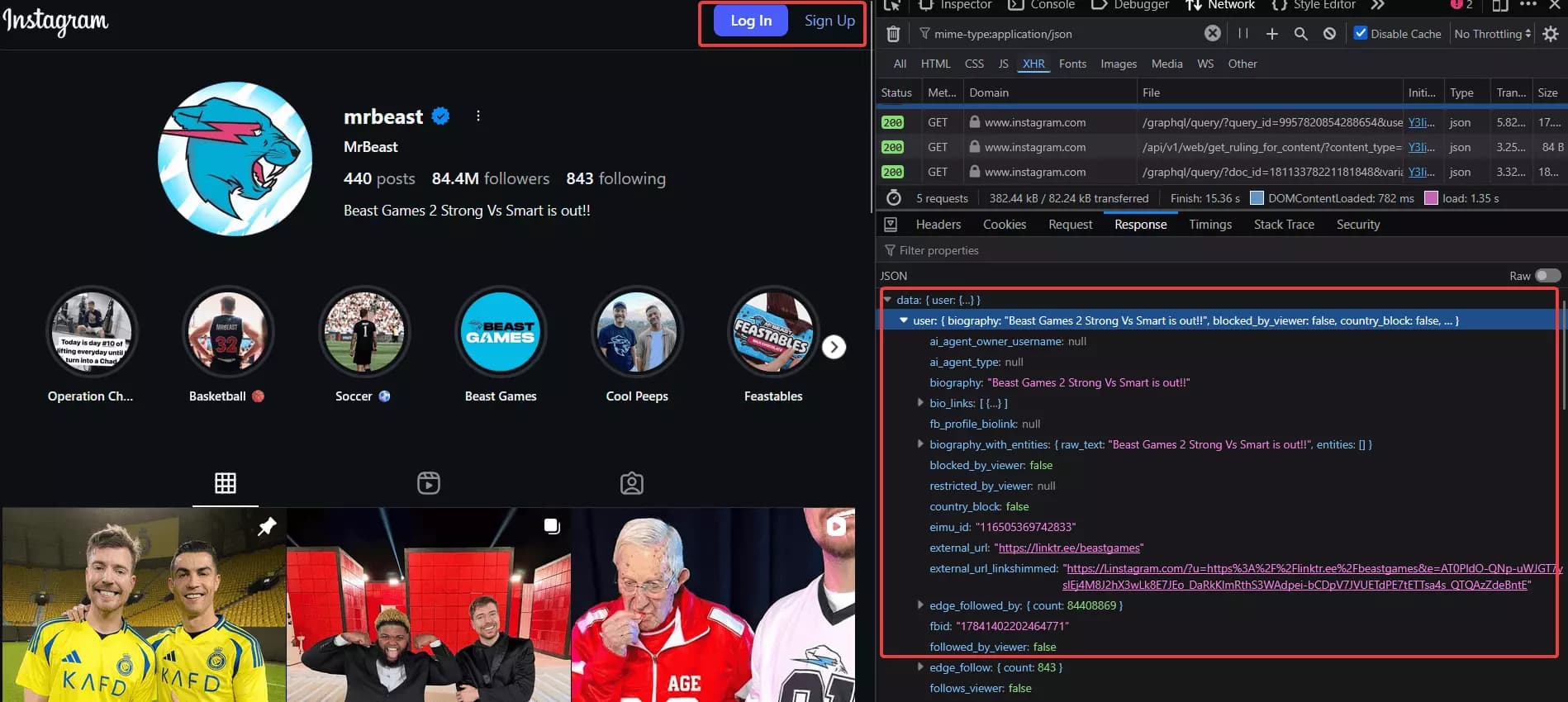
To make them work consistently, you’ll need rotating sessions and an expensive residential proxy pool that doesn’t get burned instantly.
HTML parsing also feels easier on the surface. It’s a public profile page, right? Just fetch the HTML, parse it, extract what you need…
Until you try doing it at scale.
That’s when you start getting redirected to the login wall.
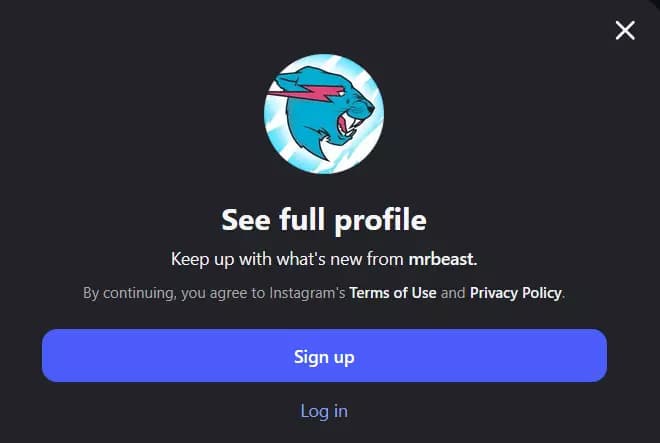
Requests that worked fine for 10 profiles suddenly start failing for 100. And your IP gets flagged. And guess what fixes it…
Proxies again, plus proper request behavior, plus retries, plus backoff, plus a whole system to avoid looking like a bot.
So you try browser automation.
Playwright, Selenium, headless Chrome… it works, but it’s slower than a snail, costs more to run, and the login redirect still shows up once you push volume.
In short, building an Instagram profile scraper is a good hobby project.
But if you want a scalable solution… building it yourself will burn time, burn money, and demand constant maintenance.
Which leaves the second option… Use a ready-made scraper.
Use a ready-made scraper
This is the scalable and affordable option.
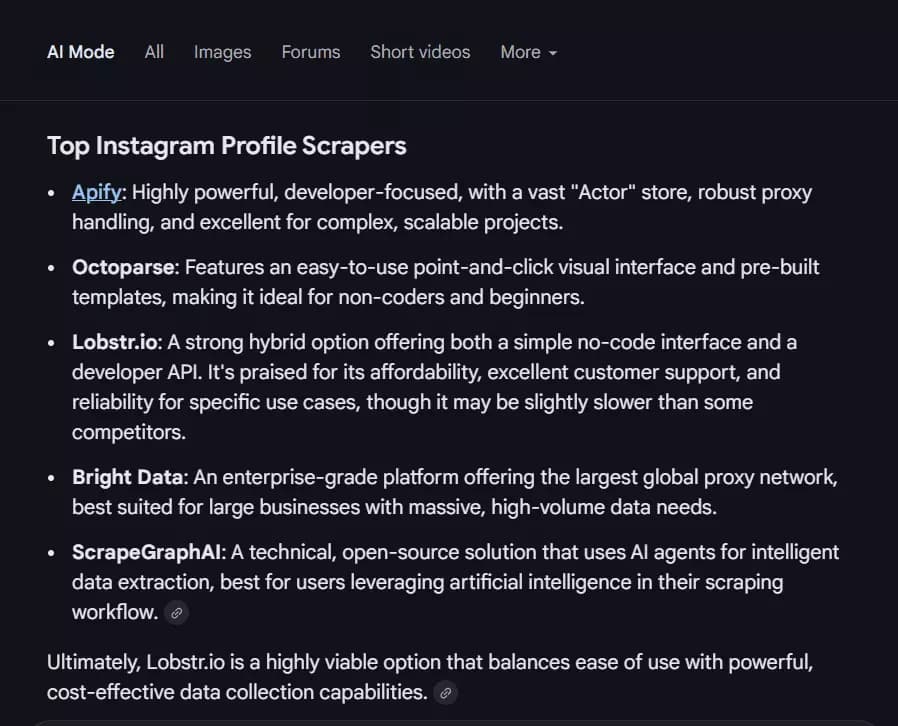
You don’t build infrastructure, you don’t maintain it, and you don’t spend weeks fixing things that break without warning.
A good Instagram profile scraper already handles the hard parts for you…
- Proxy and session rotation
- Request patterns that don’t get flagged instantly
- Speed, stability, and consistent data output
Now, ready-made scrapers fall into two categories.
- API-based scrapers
- No-code scrapers
APIs are for nerds.
Yes, even with AI helping you write code, you still need to understand how to wire things together, handle inputs, manage responses, and deal with failures.
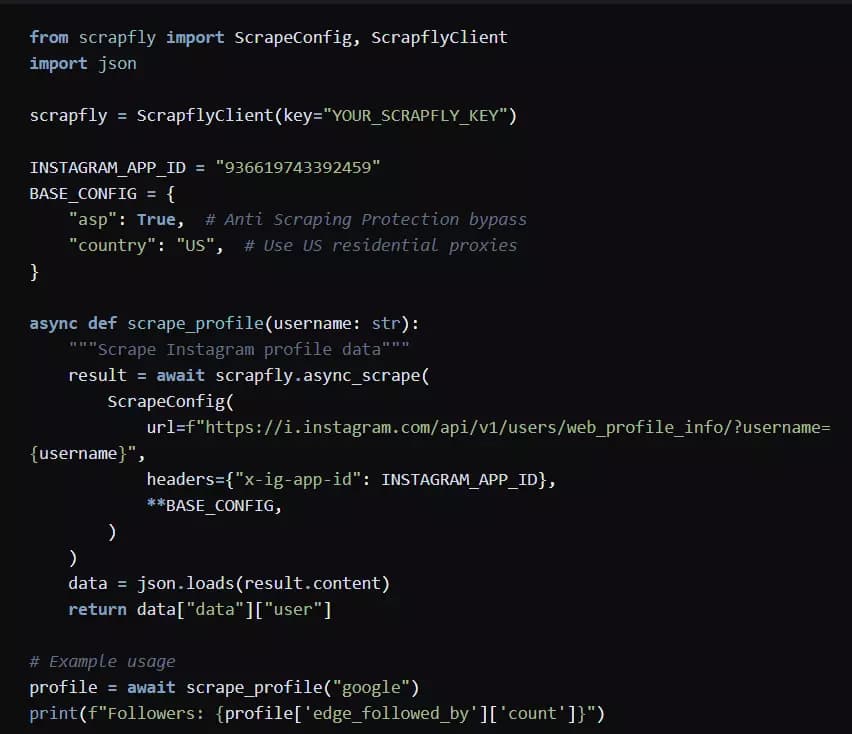
You’re still building something, just with fewer moving parts than a full scraper.
I’ll cover this route in a separate tutorial on scraping Instagram profiles using Python.
In this tutorial, I’ll be focusing on scraping Instagram profiles without coding.
No-code scrapers are for people who want the data at scale and hassle free. You configure once, run at scale, export clean results, and move on.
Of course I’ll be publishing a detailed comparison of the best Instagram profile scrapers soon.
For now, I’m using what I consider the best Instagram profile scraper currently available in the market… Lobstr.io.
Best Instagram Profile Scraper: Lobstr.io
One of those is the Instagram Profile Scraper, built specifically to collect public Instagram profile data at scale without forcing you to build or maintain anything yourself.
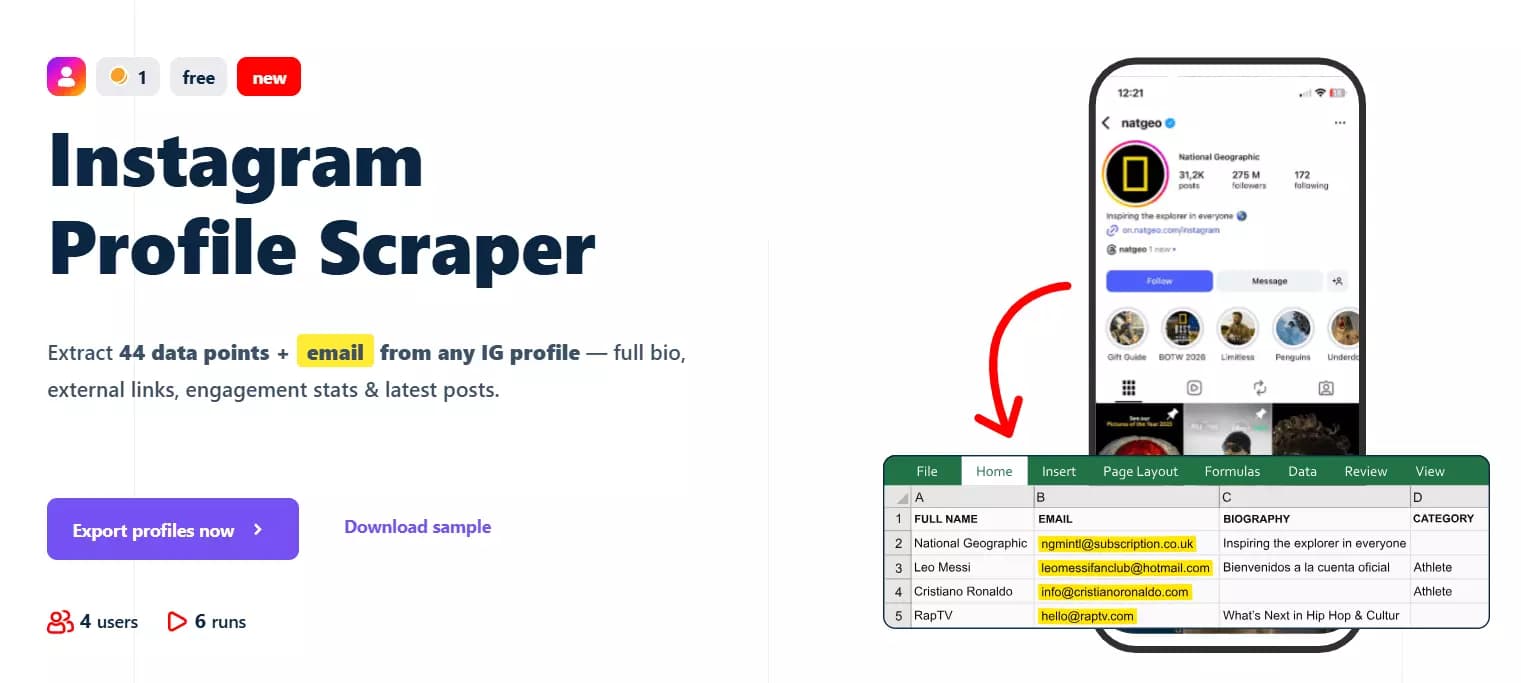
Features
- 70+ meaningful data points per Instagram profile
- Profile metadata, contact information, external links, and recent posts
- No Instagram login required
- Scheduling support for recurring profile monitoring
- Dedicated scrapers for collecting all posts and Reels from profiles
- Export results to CSV, JSON, Google Sheets, Amazon S3, SFTP, or email
- No hard limit on the number of profiles you can scrape
- 3000+ integrations available via Make.com
- Developer-friendly API
Data
| 🔗 all_external_urls[].url | 📝 all_external_urls[].title | 🏷️ all_external_urls[].link_type | | 🌐 all_external_urls[].lynx_url | 📖 biography | 📞 business_contact_method | | 📧 business_email | ☎️ business_phone_number | 🏢 category | | 🔗 external_url.url | 📝 external_url.title | 🌐 external_url.lynx_url | | 🏷️ external_url.link_type | 🆔 fbid | 👥 followers_count | | 👤 follows_count | 👨💼 full_name | ⚙️ functions | | 📺 has_channel | 🎬 has_clips | 📚 has_guides | | ⭐ highlight_reel_count | 🎥 igtv_video_count | 💼 is_business_account | | 🔒 is_private | 👔 is_professional_account | ✅ is_verified | | 🆕 joined_recently | 🎬 latest_igtv_video.id | 🔗 latest_igtv_video.url | | ❤️ latest_igtv_video.likes | 📝 latest_igtv_video.title | 👁️ latest_igtv_video.views | | 💬 latest_igtv_video.caption | 💭 latest_igtv_video.comments | ⏱️ latest_igtv_video.duration | | 📍 latest_igtv_video.location | 📅 latest_igtv_video.posted_at | 🔖 latest_igtv_video.shortcode | | 🖼️ latest_igtv_video.thumbnail_url | 📸 latest_post.id | 🔗 latest_post.url | | 📋 latest_post.type | ❤️ latest_post.likes | 👁️ latest_post.views | | 💬 latest_post.caption | 💭 latest_post.comments | 🎥 latest_post.is_video | | 📍 latest_post.location | 📅 latest_post.posted_at | 🔖 latest_post.shortcode | | 🎵 latest_post.audio_info.audio_id | 🎶 latest_post.audio_info.song_name | 🎤 latest_post.audio_info.artist_name | | 🔊 latest_post.audio_info.uses_original_audio | 📏 latest_post.dimensions.width | 📐 latest_post.dimensions.height | | 🖼️ latest_post.display_url | 🔢 latest_post.media_count | 🏷️ latest_post.product_type | | 🏷️ latest_post.tagged_users | 🔗 related_profiles[].username | 👨💼 related_profiles[].full_name | | 🆔 native_id | 📊 posts_count | 🆔 profile_id | | 👤 profile_picture_url | 🔗 profile_url | ⏰ scraping_time | | 👤 username | | |f
Pricing
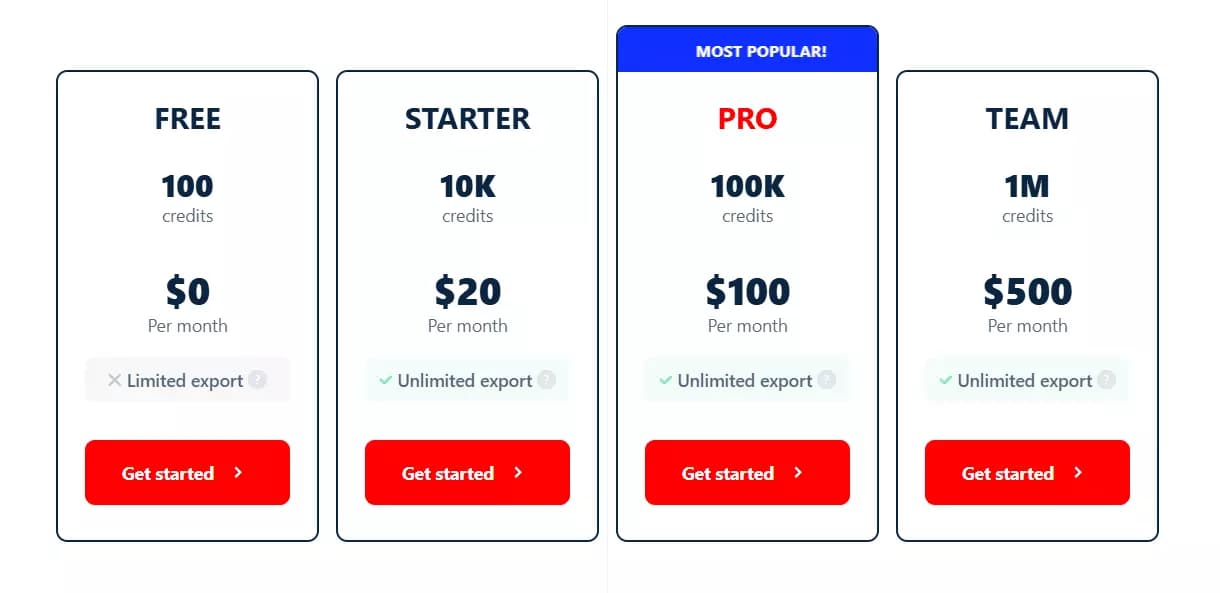
Lobstr.io uses simple monthly pricing based on usage. Plans range from $20 to $500 per month (everything included, no additional cost).
To simplify the math…
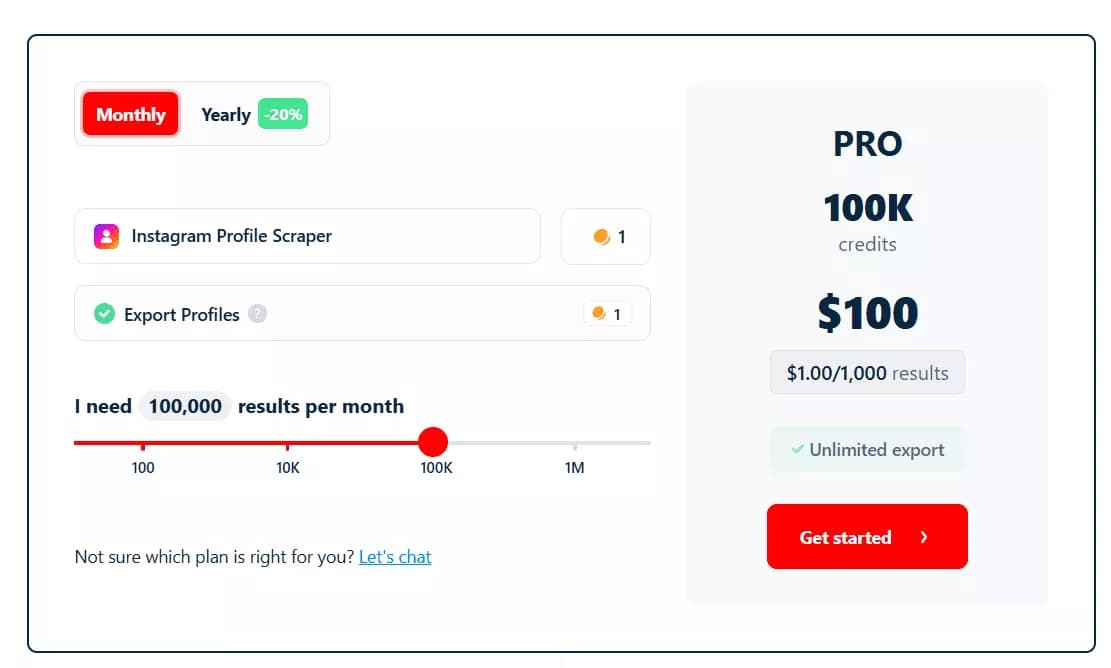
- 100 profiles per month are free
- Pricing starts at around $2 per 1,000 profiles
- Drops to $0.5 per 1,000 profiles at scale
Now let’s walk through exactly how to scrape Instagram profiles using Lobstr.io, step by step.
How to scrape Instagram profiles using Lobstr.io [Step by Step Guide]
Well, it’s a simple 4 step process:
- Create a Squid
- Add Instagram URLs or usernames
- Launch
- Enjoy
Step 1: Create a Squid
A Squid is just a scraper instance. To create one:
![How to scrape Instagram profiles using Lobstr.io [Step by Step Guide] - Step 1: Create a Squid](/_next/image?url=https%3A%2F%2Fd37gzvgyugjozl.cloudfront.net%2Fimage24_083b74bdd4.gif&w=1920&q=75)
- Log in to the dashboard
- Click New Squid
- Type Instagram in the search bar
- Select Instagram Profile Scraper.
That’s it. Your Squid is ready to configure.
Step 2: Add Instagram URLs or usernames
- Profile URLs
- Usernames
- Or a mix of both
![How to scrape Instagram profiles using Lobstr.io [Step by Step Guide] - Step 2: Add Instagram URLs or usernames image16](/_next/image?url=https%3A%2F%2Fd37gzvgyugjozl.cloudfront.net%2Fimage16_0c84f70e86.png&w=1920&q=75)
If you’re dealing with hundreds or thousands of profiles, adding them one by one makes no sense.
Lobstr.io supports bulk uploads too.
Upload a TXT, CSV, or TSV file containing your profile URLs or usernames, one click, done.
![How to scrape Instagram profiles using Lobstr.io [Step by Step Guide] - Step 2: Add Instagram URLs or usernames image17](/_next/image?url=https%3A%2F%2Fd37gzvgyugjozl.cloudfront.net%2Fimage11_48b7352b92.gif&w=1920&q=75)
There isn’t much you need to do here. The main thing you’ll adjust here is Slots.
![How to scrape Instagram profiles using Lobstr.io [Step by Step Guide] - Step 2: Add Instagram URLs or usernames image18](/_next/image?url=https%3A%2F%2Fd37gzvgyugjozl.cloudfront.net%2Fimage7_5f321ea58a.png&w=1920&q=75)
Slots control concurrency.
If you want faster scraping, increase the number of slots (up to 50, depending on your plan).
Slots control concurrency. More slots mean more scraper instances running in parallel.
![How to scrape Instagram profiles using Lobstr.io [Step by Step Guide] - Step 2: Add Instagram URLs or usernames image19](/_next/image?url=https%3A%2F%2Fd37gzvgyugjozl.cloudfront.net%2Fimage5_db69e995de.png&w=1920&q=75)
- Run completes successfully
- Run pauses due to an error
That’s it. Now your Instagram profile scraper is ready to launch.
Step 3: Launch
- Manually
- Repeatedly
Manual launch is straightforward.
![How to scrape Instagram profiles using Lobstr.io [Step by Step Guide] - Step 3: Launch image20](/_next/image?url=https%3A%2F%2Fd37gzvgyugjozl.cloudfront.net%2Fimage1_12980a9b30.png&w=1920&q=75)
![How to scrape Instagram profiles using Lobstr.io [Step by Step Guide] - Step 3: Launch image21](/_next/image?url=https%3A%2F%2Fd37gzvgyugjozl.cloudfront.net%2Fimage17_73c577b934.png&w=1920&q=75)
If you want to track profile changes over time, manual runs aren’t ideal.
That’s where scheduling comes in.
From that point on, the scraper runs automatically on the defined schedule, no manual action needed.
Step 4: Download results and enjoy
![How to scrape Instagram profiles using Lobstr.io [Step by Step Guide] - Step 4: Download results and enjoy image23](/_next/image?url=https%3A%2F%2Fd37gzvgyugjozl.cloudfront.net%2Fimage22_33d3068f11.gif&w=1920&q=75)
![How to scrape Instagram profiles using Lobstr.io [Step by Step Guide] - Step 4: Download results and enjoy image24](/_next/image?url=https%3A%2F%2Fd37gzvgyugjozl.cloudfront.net%2Fimage15_fd729de1b9.png&w=1920&q=75)
JSON output is also supported, but that’s handled via the API.
If downloading files manually isn’t your thing, you don’t have to. Lobstr lets you automate delivery.
You can export results automatically to:
- Google Sheets
- Amazon S3
- SFTP
- Email, as a file attachment
But how can I scrape Instagram posts and Reels?
How to scrape all posts and Reels from an Instagram account?
This Instagram scraper gives you profile-level data, and up to 12 of the latest posts. It’s not meant to scrape all content from a user profile.
But what if I need to collect all posts and Reels from an account? For that, you can use Lobstr.io’s Instagram Posts Scraper and Instagram Reels Scraper.
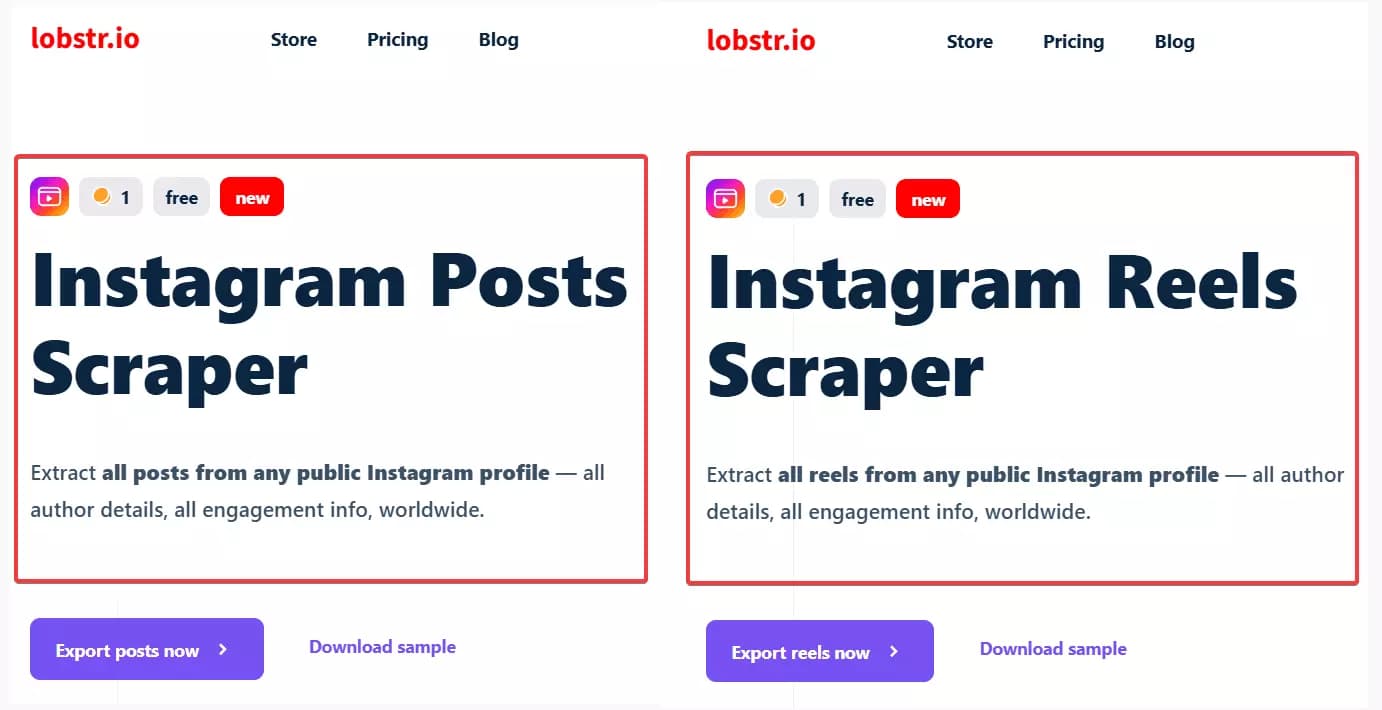
These scrapers are designed specifically for content-level scraping including hashtags, captions, media files, engagement data and much more.
And that’s it. Before wrapping this tutorial, let me answer some frequently asked questions.
FAQs
Will Instagram ban you for scraping?
Yes, if you’re logged in. Your account can get flagged or banned. Stick to scraping Instagram data that is accessible without logging in to avoid account-level risks.
What is the best Instagram scraping tool?
Conclusion
That’s a wrap on how to scrape Instagram profiles without coding and getting blocked.